
Most Wi-Fi complaints in Indian offices and hotels are not really about speed. They come from too many devices on too few access points, the wrong model on the wrong wall, or a PoE switch that quietly runs out of power. Grandstream makes 29 business access points across four Wi-Fi generations, so the choice can feel overwhelming. It doesn't have to be.
The short answer
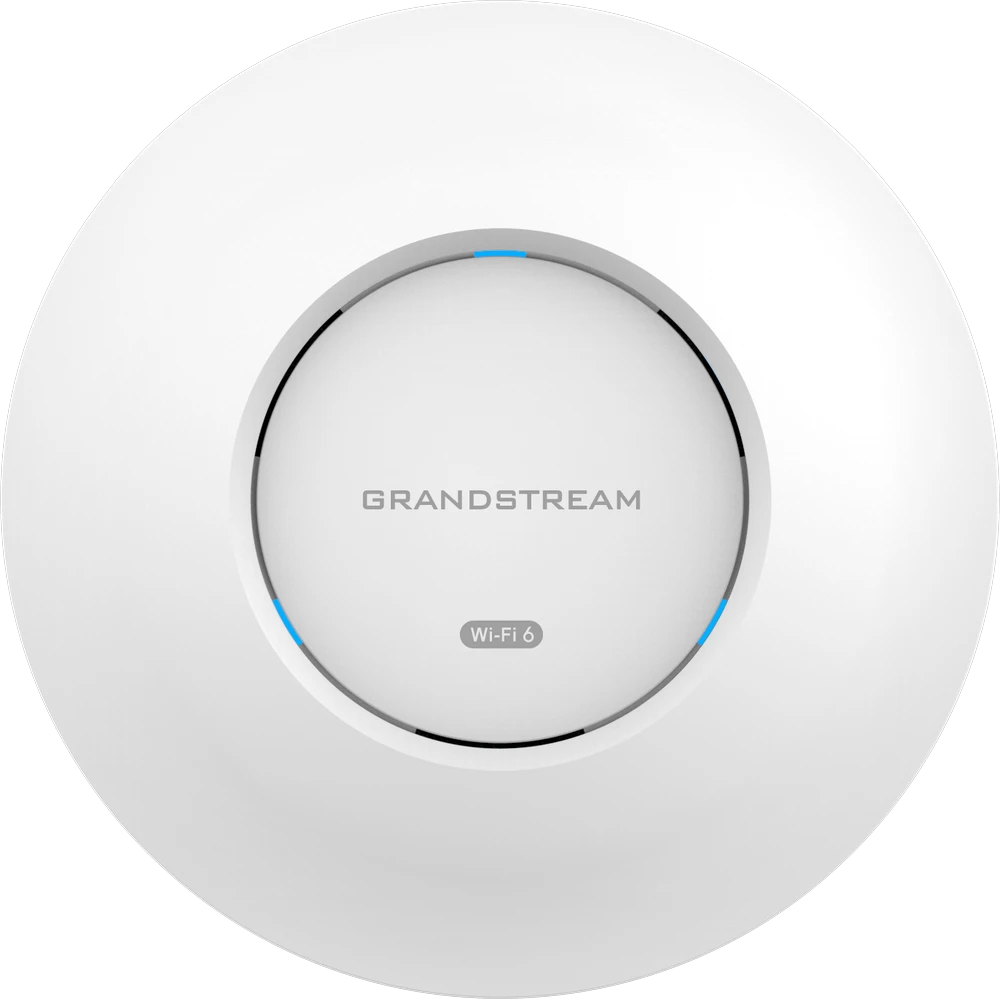
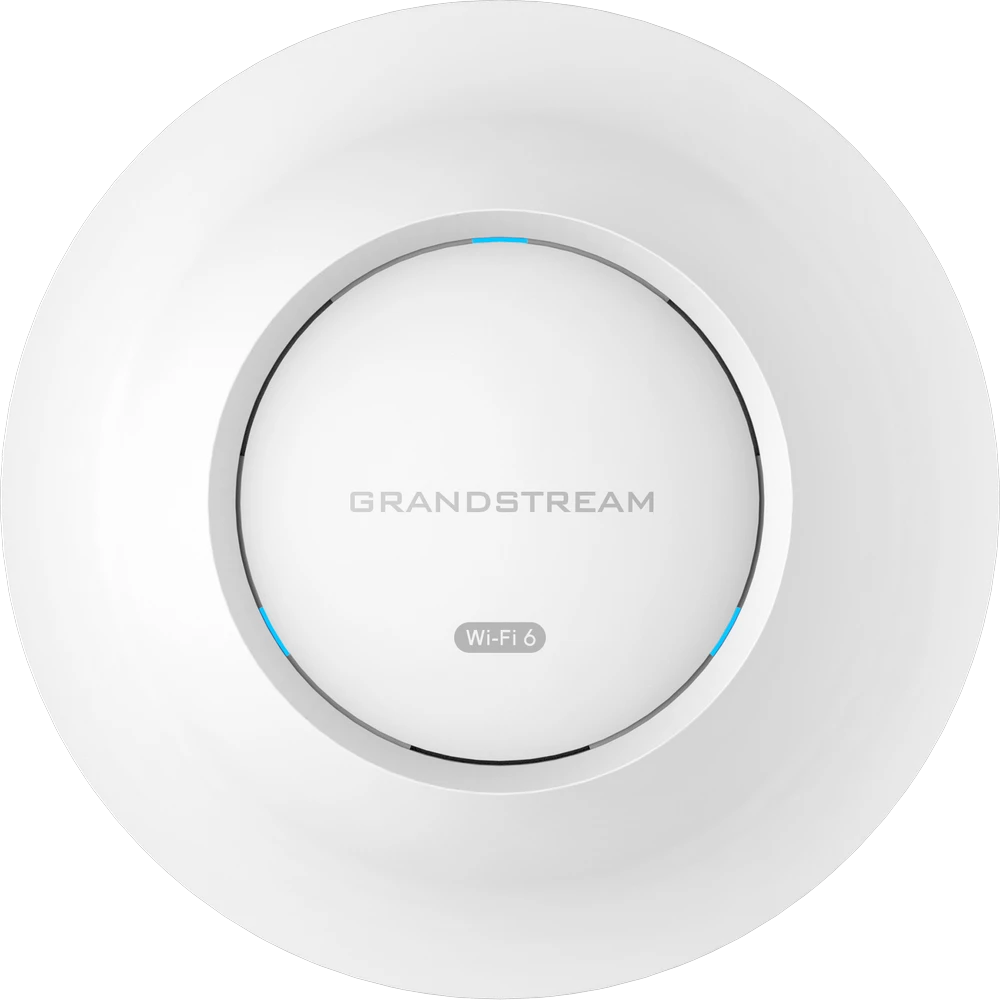
- Most offices: a Wi-Fi 6 ceiling AP, from the GWN7660 for small spaces to the GWN7664 for busy floors.
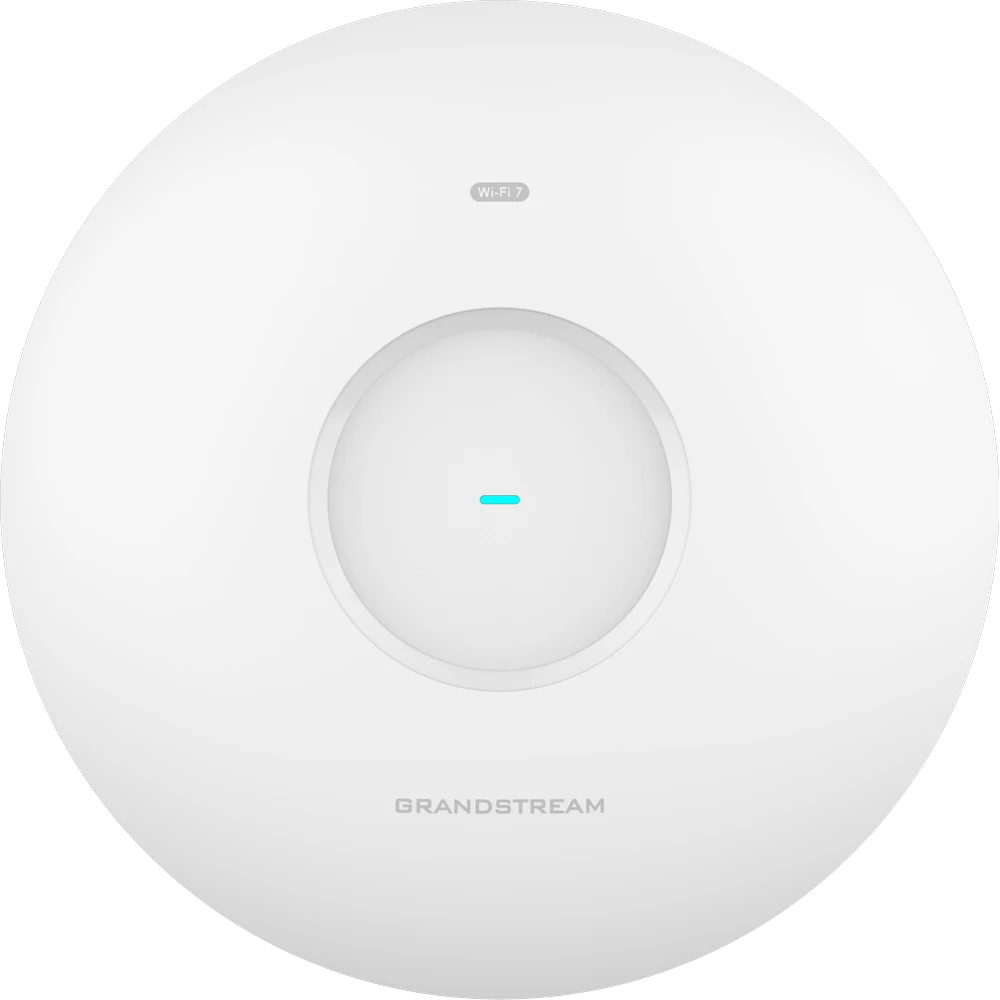
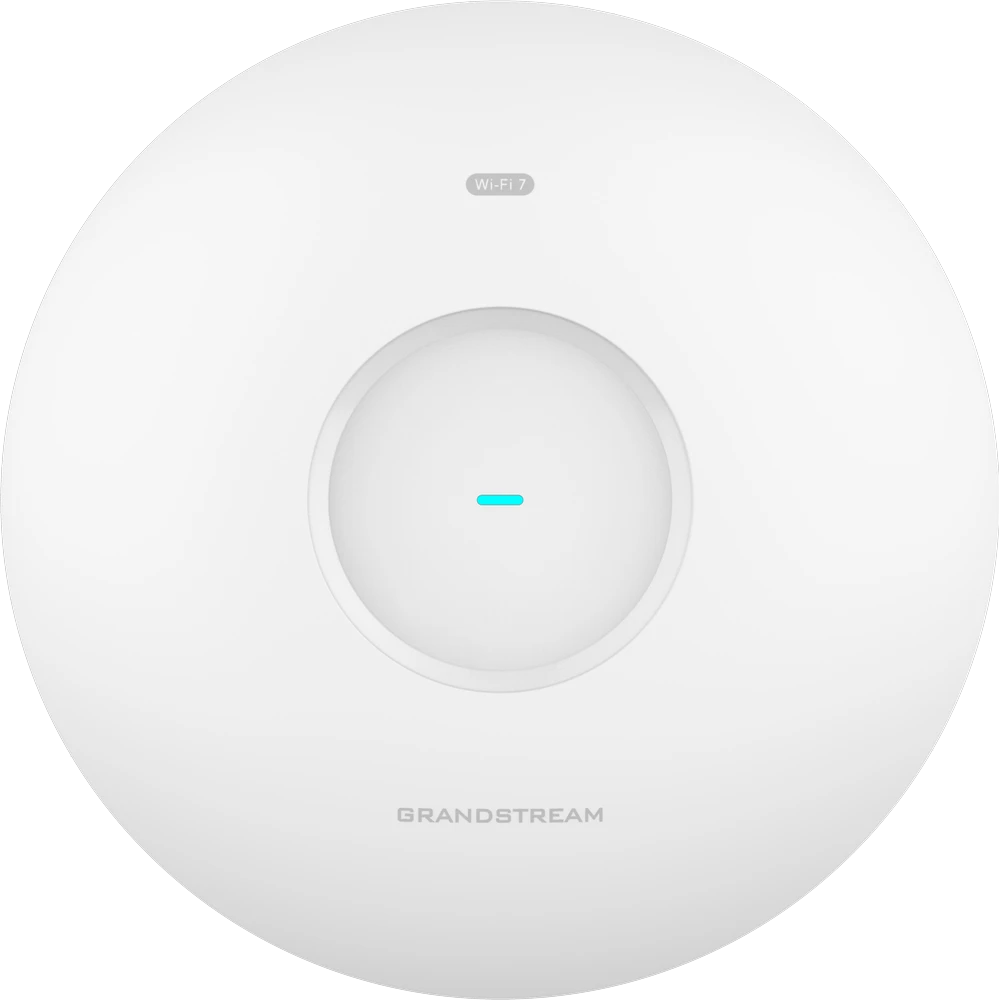
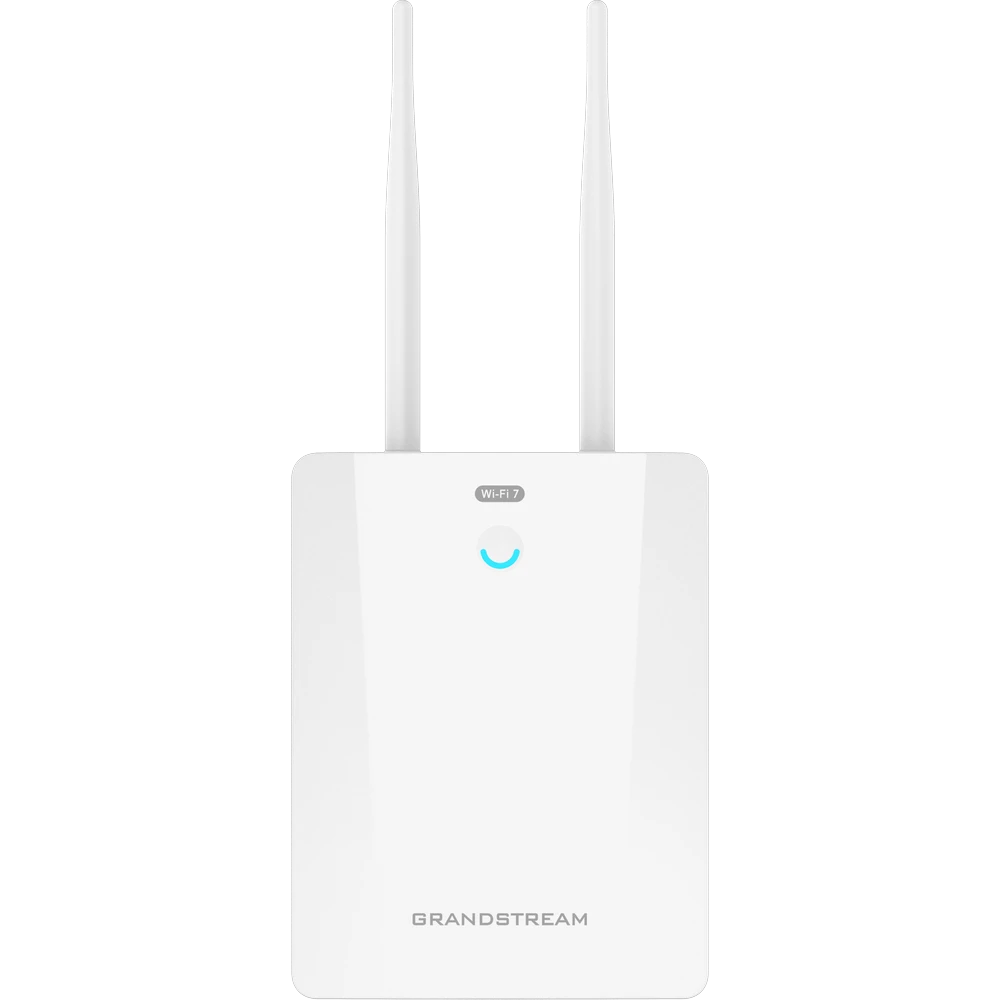
- High-density rooms or long-term investment: tri-band Wi-Fi 7, the GWN7674 or GWN7672.
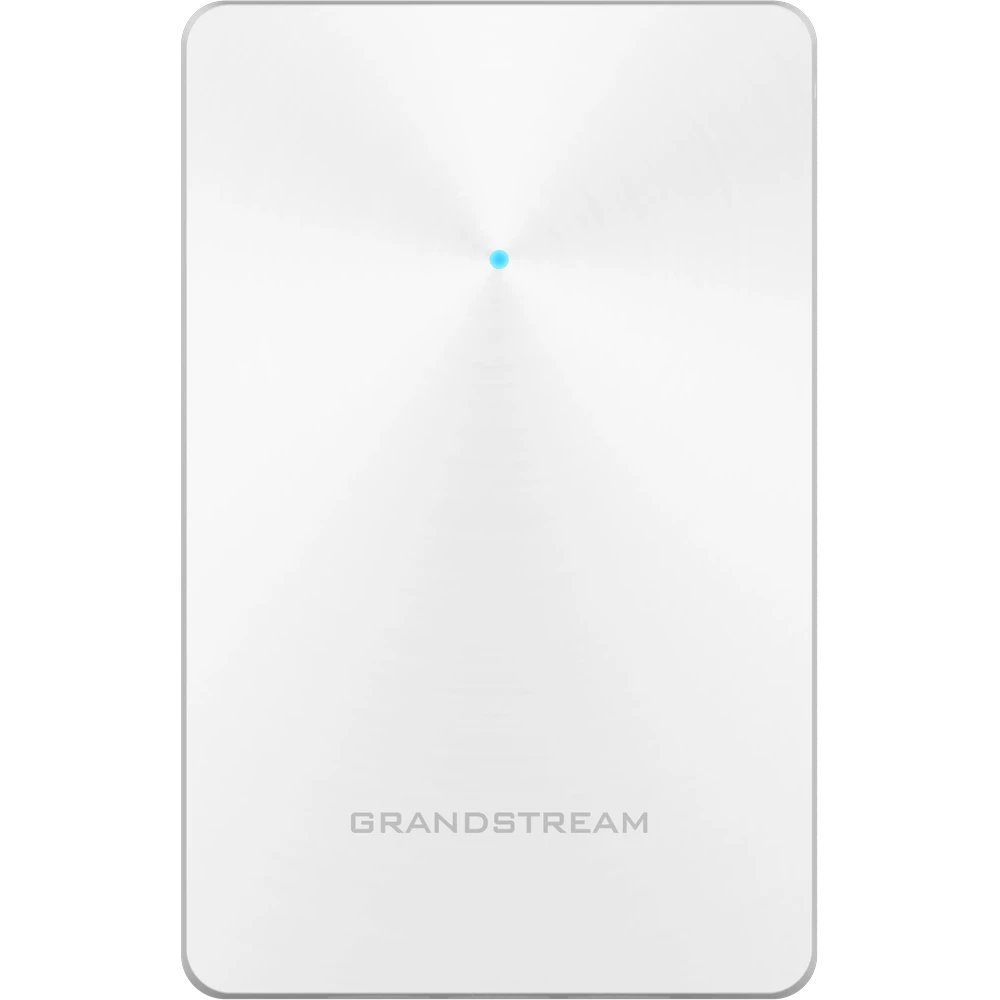
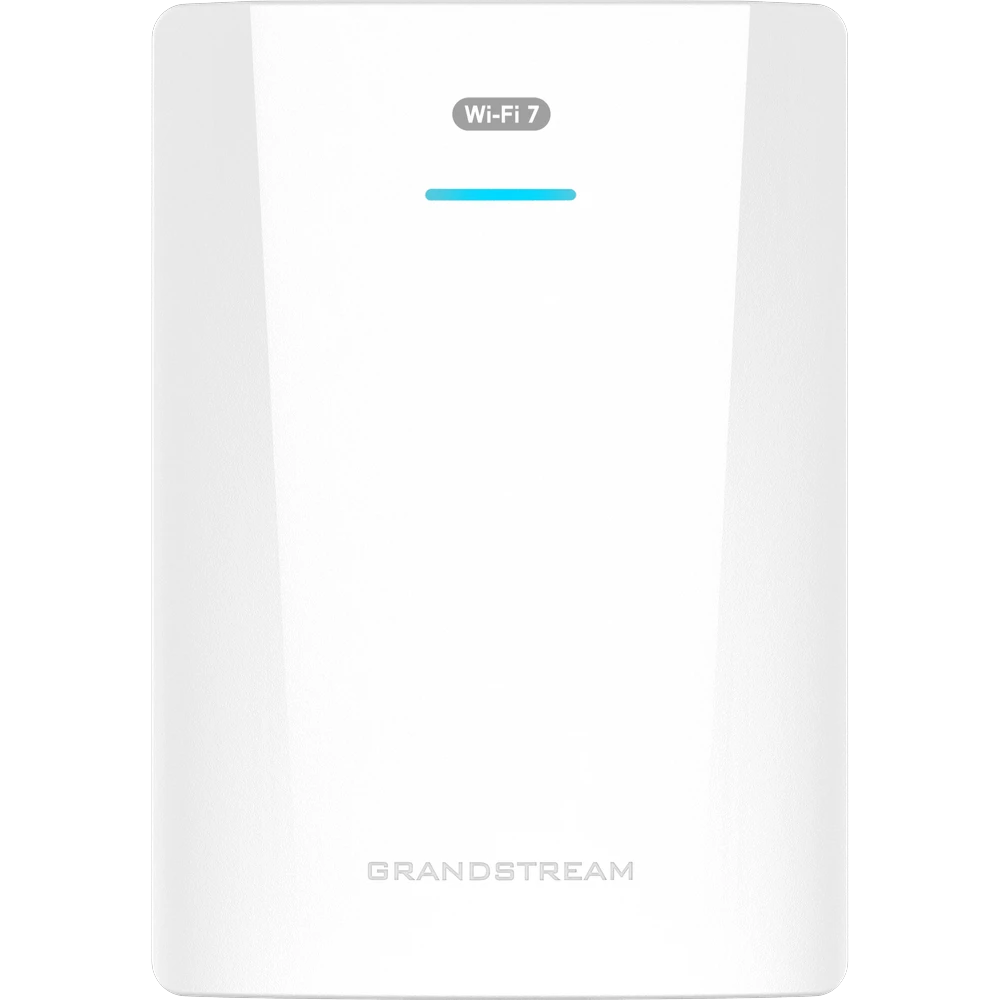
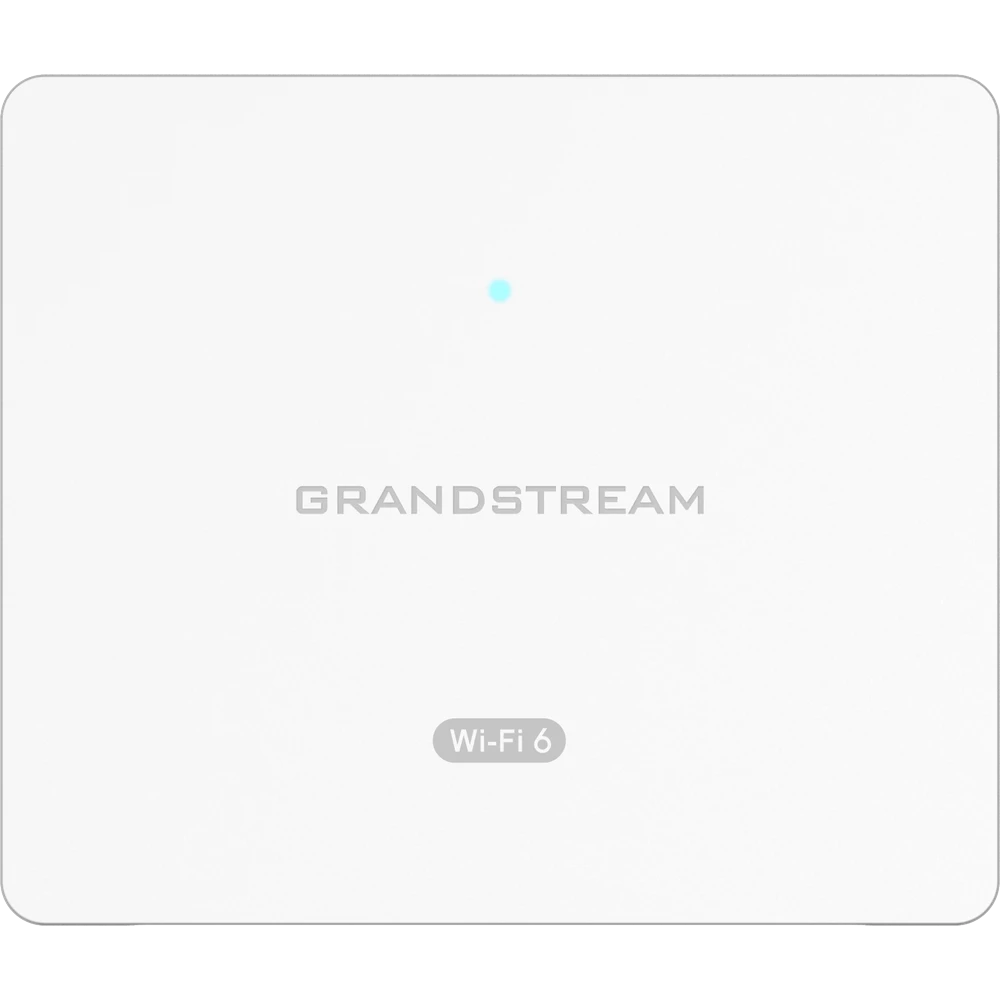
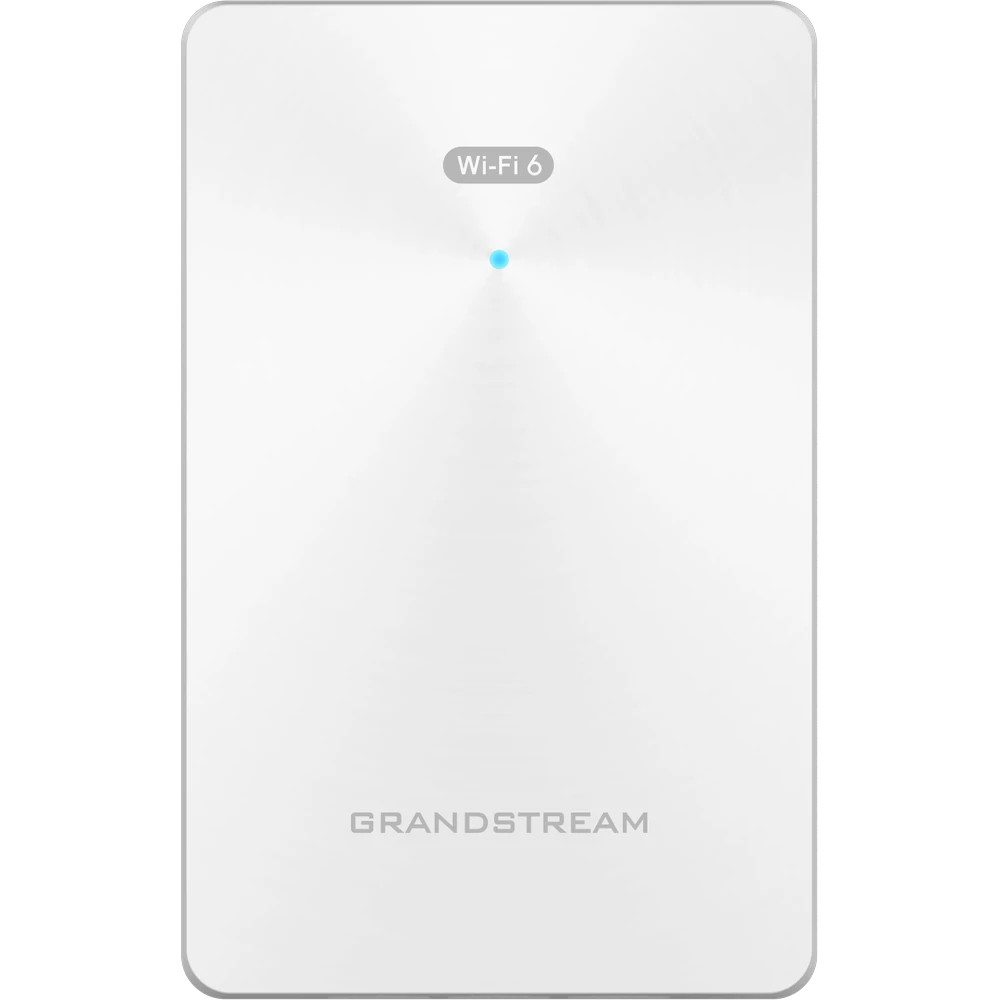
- Hotel rooms and dorms: an in-wall or wall-mount AP with built-in ports, such as the GWN7624 or GWN7670WM.
- Warehouses: an "E" model with external antennas, such as the GWN7664E.
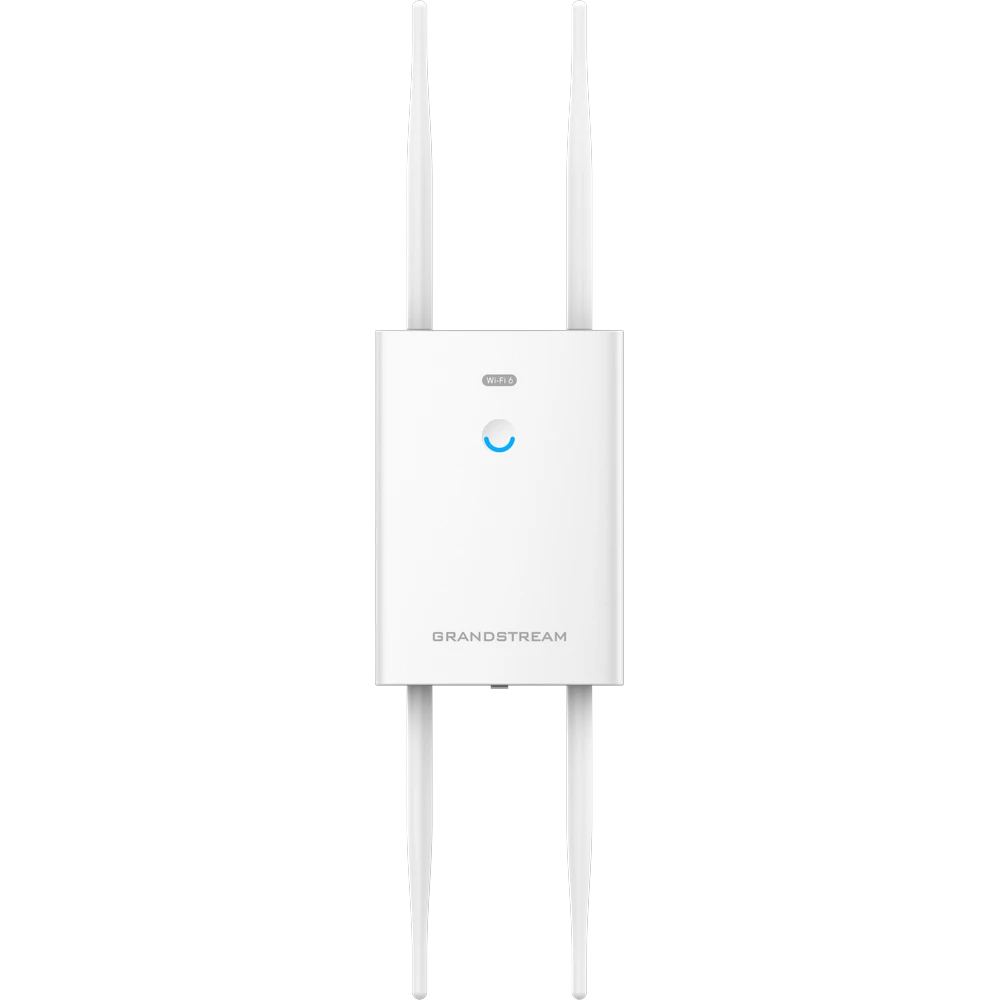
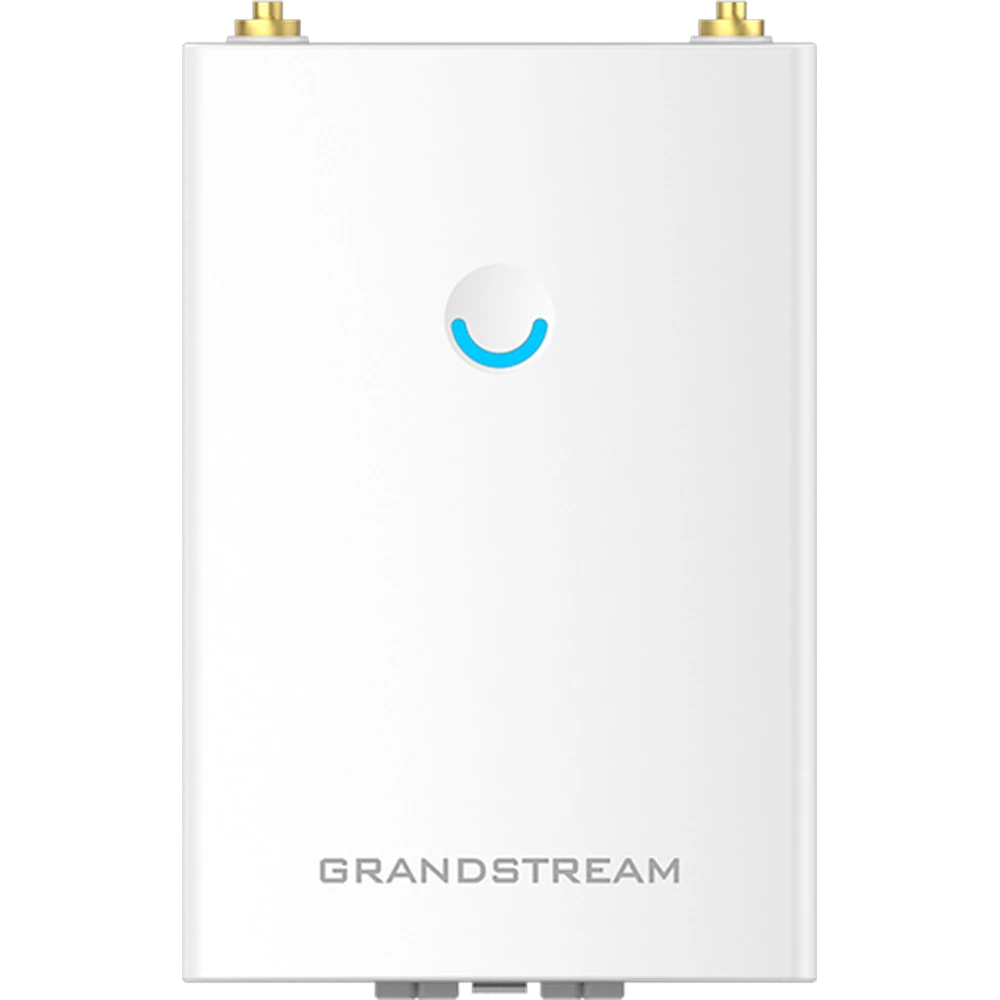
- Outdoors: a weatherproof LR model, such as the GWN7670LR or GWN7664LR.
1 Count devices, not square feet
The number that matters is how many devices will be connected at the same time in the area one AP covers. Every phone, laptop, tablet, smart TV and IP camera counts, and most people now carry two or three.
Datasheet figures such as "768 clients" on the GWN7674 describe a hardware ceiling, not a comfortable working load. For smooth voice and video, a practical starting point is one AP for every 25–50 active devices, plus an extra AP for any room enclosed by brick or concrete walls, which absorb 5 GHz and 6 GHz signals quickly.
2 Pick the Wi-Fi generation
Each Wi-Fi generation adds capacity, not just headline speed. Here is how the four Grandstream families compare.
| Standard | What it adds | Choose it for | Grandstream models |
|---|---|---|---|
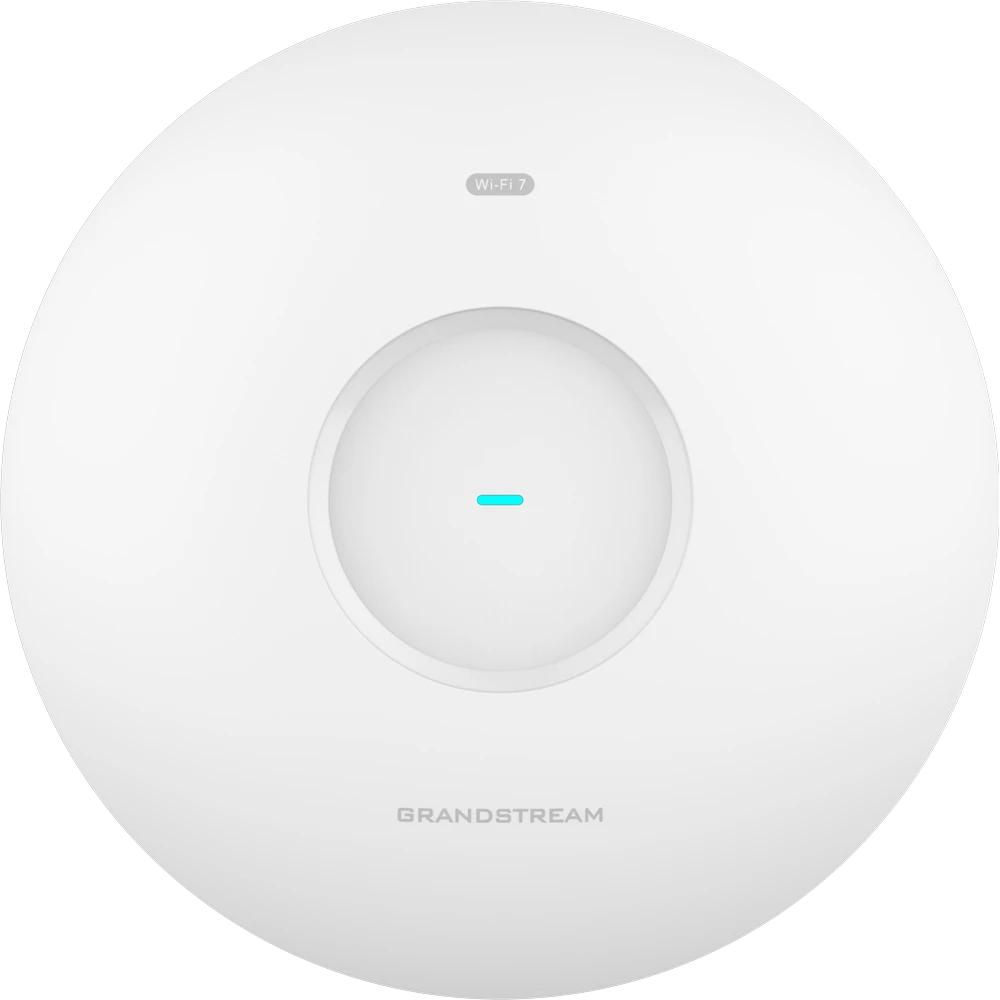
| Wi-Fi 7 802.11be | 320 MHz channels, 4096-QAM and Multi-Link Operation (a device uses several bands at once) | Auditoriums, training halls, busy open offices, 6–8 year lifespan | GWN7674, GWN7672 |
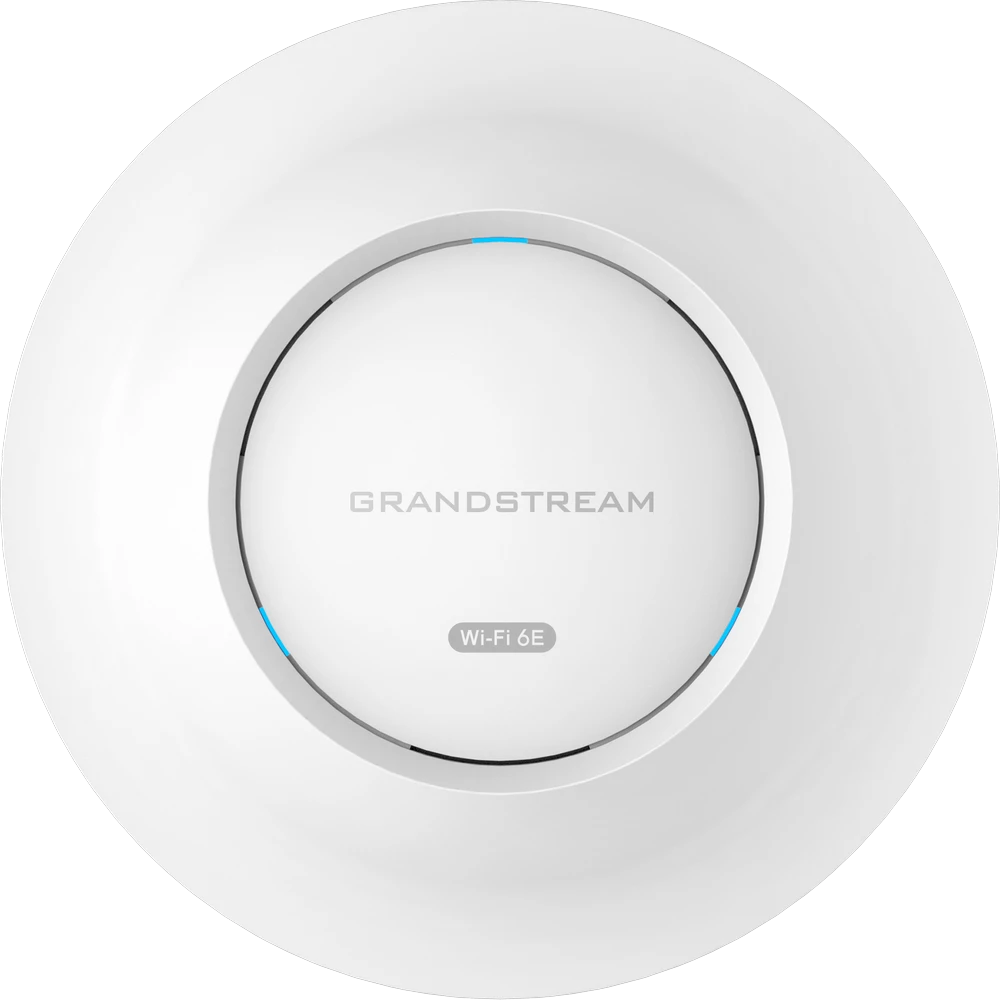
| Wi-Fi 6E 802.11ax + 6 GHz | The new, uncongested 6 GHz band for compatible devices | Buildings crowded with neighbouring networks | GWN7670, GWN7665, GWN7670E |
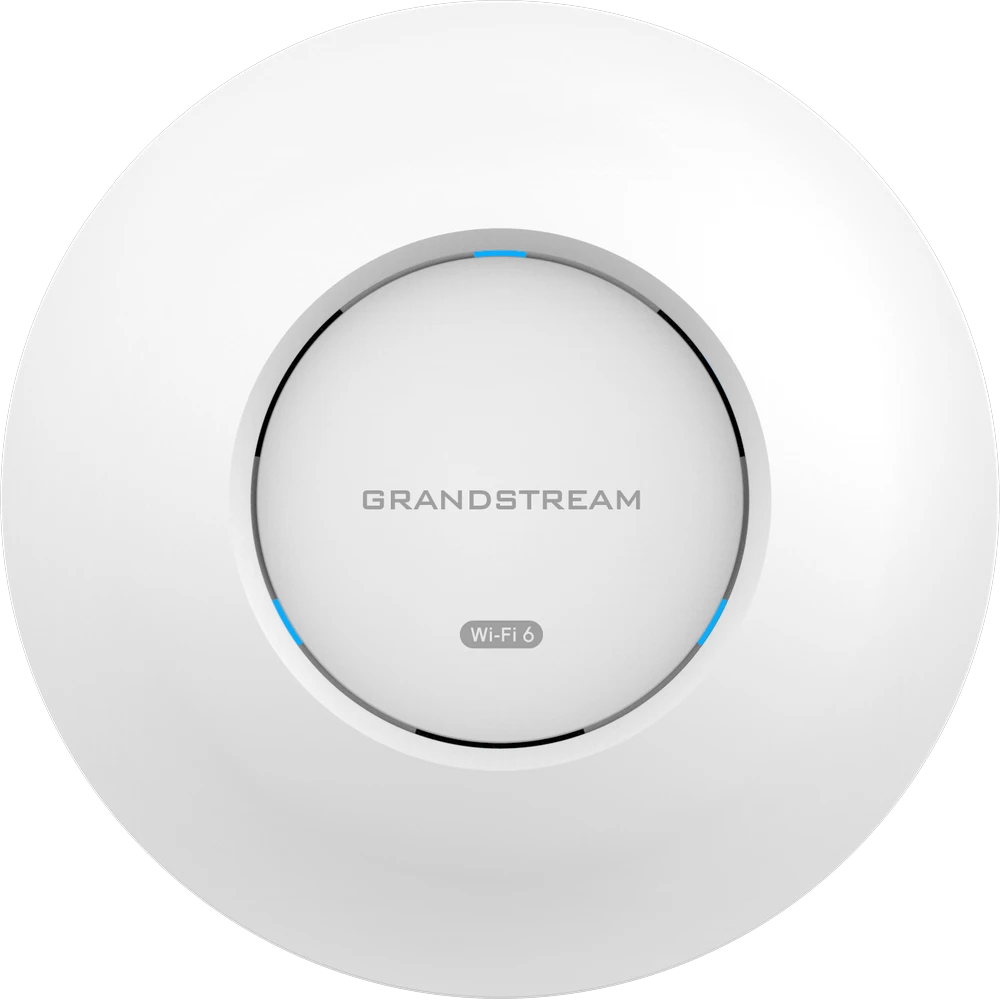
| Wi-Fi 6 802.11ax | OFDMA and MU-MIMO serve many devices efficiently | Most offices, retail, schools and hotels — best value | GWN7660, GWN7662, GWN7664, GWN7624 |
| Wi-Fi 5 802.11ac Wave 2 | Mature dual-band Wi-Fi with MU-MIMO | Light-use sites on a tight budget | GWN7605, GWN7615, GWN7630 |
Remember that an AP can only use a newer standard with devices that support it too. If most of your laptops are three to four years old, Wi-Fi 6 gives you nearly all the real-world benefit for less money.
3 Match the mounting style
Grandstream's model suffixes tell you where an AP is designed to go:
Ceiling-mount with internal antennas. The default for offices and classrooms, e.g. GWN7662.
External antenna connectors, so you can fit directional antennas for aisles and high ceilings, e.g. GWN7660E.
Wall-mount or wall-box units with Ethernet ports for in-room devices, e.g. GWN7670WM and GWN7624.
Long-range outdoor units in weatherproof housings; ELR adds external antennas, e.g. GWN7664LR and GWN7664ELR.
4 Plan PoE power
Every Grandstream AP is powered over Ethernet, so one cable carries both data and power. There are three PoE levels to know:
- PoE (802.3af) up to 15.4 W per port, enough for compact models.
- PoE+ (802.3at) up to 30 W per port, used by most current GWN access points.
- PoE++ (802.3bt) for the most powerful models, including the Wi-Fi 7 GWN7674.
Add up the maximum power draw of every AP, IP phone and camera on the switch and keep the total inside the switch's PoE budget with around 20% headroom. For a single AP or a quick test, a Grandstream PoE injector is the simplest option. For multi-gig APs such as the GWN7674 and GWN7672, also check the switch has matching 2.5G, 5G or 10G uplink ports.
5 Decide how you'll manage it
This is where Grandstream is hard to beat on value, because management is free. Every GWN AP has a built-in controller for small sites. For more APs or multiple branches, use GDMS Networking in the cloud or GWN Manager on your own server. Both handle provisioning, firmware, guest Wi-Fi, VLANs and monitoring, and neither needs a licence. Mesh and seamless roaming let users walk between APs without dropping a call.
Find your access point in 30 seconds
Answer three questions and we'll suggest a Grandstream model.
1. Where will the AP be installed?
2. How busy is the area one AP will cover?
3. What matters most?
Pick one option in each row to see your recommendation.
Recommended models by space
Not sure where to start? These are the models our team specifies most often for each type of site.
Offices and co-working floors
Open plan areas with laptops, phones and video calls all day.
Hotels, hostels and dorms
One AP per room or every second room, plus wired ports for the TV and phone.
Schools, auditoriums and training halls
Hundreds of devices connecting at once in the same room.
Warehouses, factories and odd-shaped spaces
High ceilings, racking and long aisles that need coverage aimed where it matters.
Campuses, parking, resorts and courtyards
Weatherproof long-range units mounted high on poles or walls.
5 mistakes to avoid
- Buying one "big" AP instead of several right-sized ones. Capacity comes from more APs placed closer to users, not from a single high-end unit.
- Mounting APs above false ceilings or inside cabinets. Metal grids and ducting block the signal. Mount them on the ceiling surface.
- Forgetting the PoE budget. A 24-port PoE switch rarely powers 24 high-end APs at once. Check the total wattage.
- Using indoor APs on balconies or in car parks. Heat, dust and monsoon rain need an IP66-rated LR model.
- Skipping a site survey for large sites. For hotels, hospitals and campuses, a survey gets AP count and placement right before you order.
Frequently asked questions
Which Grandstream access point is best for a small office?
Is Wi-Fi 7 worth buying in India in 2026?
How many Grandstream access points do I need?
What does the E, LR and WM mean in Grandstream model numbers?
Do Grandstream access points need a controller or licence?
What PoE switch do I need for Grandstream access points?
Can I mix different Grandstream access point models on one network?
Ready to compare? See every indoor and outdoor model with photos and specs on our Grandstream Wi-Fi access points page, or read the wider Grandstream networking guide covering switches and routers.